The development of this version cost 4,200 euros, but the cost for you is only the license of €60 per year.
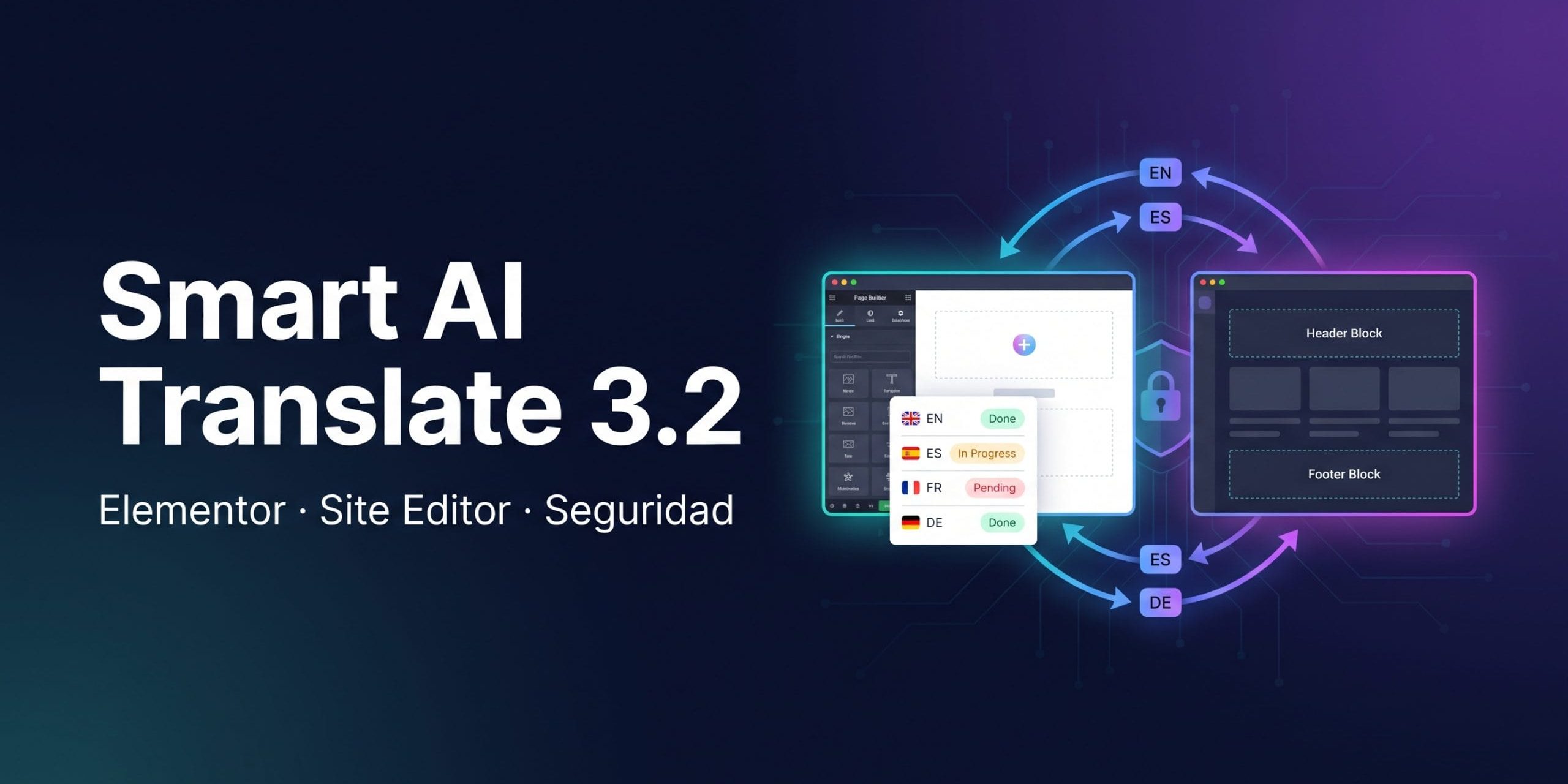
New 3.2.x branch of the plugin Smart AI Translate for WordPress & WooCommerce.
Branch versions
3.2.0
New:
- Translation panel in the Elementor editor — translate, translate everything, and remove translations without leaving Elementor (Elementor 3.23+ and 4.x).
- Documentation Page (Smart AI Translate for WP → Documentation) — open from your own site the complete guide that includes the plugin (user guide and developer portal, in English and Spanish). Also linked from the Plugins screen and the Help tab.
- Configurable uninstallation in Maintenance Tools → Uninstall — you choose what gets deleted when removing the plugin: all its data and, separately, the API keys and the license key (both options disabled by default).
Security:
- The AI provider's response is filtered (
wp_kses_post) before being saved or displayed, in all places where a translation arrives — entry fields, Elementor settings, options, and Gravity Forms — unless both the author and the last editor of the entry can publish unfiltered HTML. - Translation actions that consume the API (metabox, REST, bulk action, Loco) require the plugin capability in addition to edit permission; translated fields in REST responses require an editor, and password-protected or private entries are no longer translated for visitors who cannot read them.
- The license channel verifies certificates, only accepts update packages from the license server, and never logs the license key; changing the provider's base URL requires re-entering the API key.
- The options search and WooCommerce options inspector never show values whose name looks like a credential (passwords, signatures, private keys, secrets, tokens).
Improved:
- In block themes, the templates and template parts of the Site Editor, the integrated navigation menus, and the page lists are fully translated.
- Complete Spanish translation aligned with WordPress terminology in Spanish (Settings, entries); the texts in the sidebar of the block editor are now translatable, and translations also load in WordPress 6.2–6.4.
- WP-CLI commands use names with hyphens (previous aliases are maintained) and exports can be re-imported from a file.
Fixed:
- The Anthropic model can now be selected in the AI Settings tab (previously it did not appear), and 'Custom model…' saves the model identifier you type.
- Saving a settings tab no longer deletes the organization and OpenAI project or the source language of the automatic translation set in another tab.
- Fixed a fatal error in PHP 8 in the entries metabox.
- When saving the translation of a template in the Site Editor, changes are no longer lost or previously translated fields overwritten.
- Maintenance tools no longer respond 'not allowed'.
- Fixed a fatal error when importing an empty PHP file with WP-CLI.
- The 'Settings saved' notice reappears on the plugin settings pages.
- Uninstallation also removes cached responses from the license server when you choose to delete the keys or data.
Important:
- The package is now installed in the folder
smart-ai-translate-for-wp(previous zips usedai-translate). Automatic updates are not affected. If your site has the plugin inwp-content/plugins/ai-translate/and you update by uploading the zip manually, WordPress installs it as a second copy: activate the new one and then deactivate and delete the old one. Settings and translations are preserved because they are in the database. - WordPress multisite (network activation) is not supported.
You can acquire the license for Smart AI Translate on the product page.