
The development of this version has cost 21,780 euros. The accumulated cost for this year is 35,130 euros. The accumulated cost since the first version is 233,860 euros, but the cost for you is only the license of 79€.
New branch 32.0.x of the Redsys plugin for WooCommerce from WooCommerce.com.
The most important thing about this version: your store from a native app
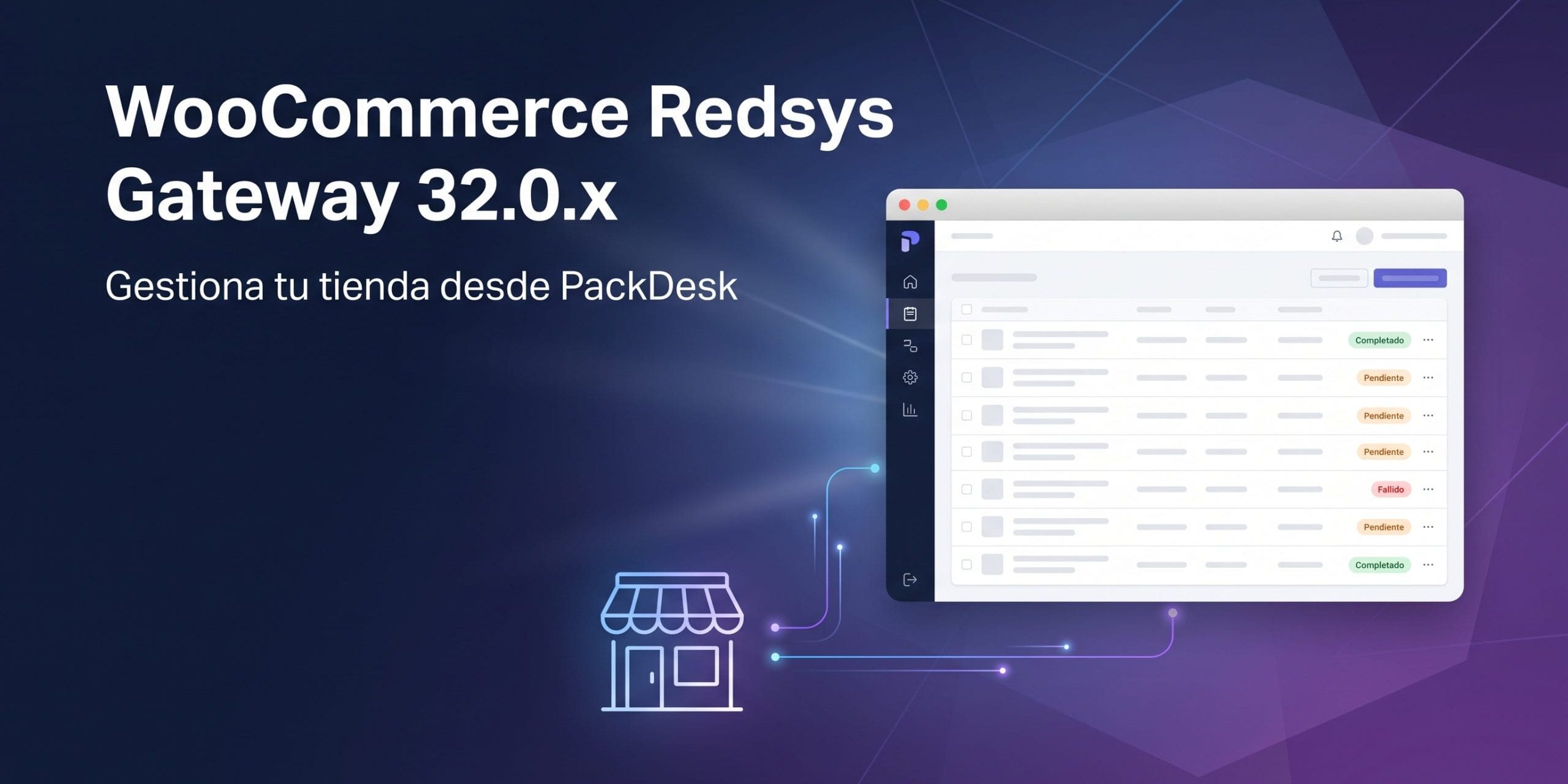
This version activates the management API that until now was hidden within the plugin. Your store can connect with PackDesk, the native management app for macOS, to work with orders, returns, products, and customers without opening the WordPress desktop. PackDesk is now published in the Mac App Store and requires macOS 26 Tahoe or higher.

The API is strictly optional: it is disabled by default, requires HTTPS and an active license, and no app can access the store until the merchant activates it.
Branch versions
32.0.0
New:
- Manage your store from a native app. This version activates the management API that until now was hidden within the plugin. Your store can connect with PackDesk, the native management app for macOS, to work with orders, returns, products, and customers without opening the WordPress desktop. The API is served under the namespace redsys-manager/v1 and is strictly optional: it is disabled by default, requires HTTPS and an active license, and no app can access the store until a merchant activates it. It offers a queue for order preparation and order updates, product and customer routes, a change feed (delta) for the app to sync only what has changed, secure write retries via an Idempotency-Key header, and a limit on requests per employee (per user, never per IP), so that multiple employees sharing the same connection never interfere with each other.
- New section "Behaviors towards the APP" in the advanced settings of Redsys (WooCommerce – Settings – Redsys – Advanced Settings) to control how the store behaves towards the app: activate or deactivate the API, allow or restrict returns to the Customer Service profile (by default returns are limited to the Administrator profile), require a minimum version of the app, and set the limit of requests per minute and per employee (300 by default; 0 to disable it).
- New "App profile" per user on the WordPress user edit screen, so that each employee connecting from the app operates under a profile —for example Administrator or Customer Service— that decides what the app allows them to see and do, including whether they can issue returns.
- New section "Apps and Plugins" in the advanced settings of Redsys: a read-only summary of the native app and the rest of the plugins, websites, and skills, all accessible from one place.
- PackDesk is now published in the Mac App Store, and the official button "Download it on the Mac App Store" is displayed at the top of the "Behaviors towards the APP" section and in the highlighted app area of "Apps and Plugins", so the app can be installed directly from the store settings. The button uses the official Apple image in the language of the administrator viewing it —English, Spanish, Catalan, French, or Portuguese, with English for Basque and Galician because Apple does not publish a badge for them— and opens the App Store of each visitor's country. The app listing now shows the published version instead of the beta, and indicates that it requires macOS 26 Tahoe or higher.
Updated:
- Declared compatibility with WooCommerce 11. The "WC tested up to" header of the plugin now indicates 11.0, so WooCommerce no longer warns that the gateway has not been tested with the version you are using. The minimum supported version of WooCommerce does not change (7.4).
Fixed:
- The product QR code did not appear in stores whose media library is externalized to a service like Cloudflare Images. The QR image was correctly registered in the media library, but the plugin saved and displayed a manually constructed URL from the local uploads folder instead of asking WordPress for the real URL of the attachment, so in a store with externalized storage that address pointed to a file that was no longer served locally and the image appeared broken. The QR URL is now resolved through the media library (wp_get_attachment_url), the attachment ID is saved alongside it, and the address is resolved every time the QR is displayed, so it follows the file wherever it is served, including an externalization activated after the QR was created. Existing QR codes are automatically repaired the first time their product is opened; if any cannot be matched, the link "Regenerate QR code" rebuilds it correctly.
- A payment with Bizum could be charged at the bank and leave the order pending, with the log showing "Signature verification failed in successful_request". The order completion step of one of the two Bizum gateways verified the bank notification with the signature key configured in the gateway, while the operation had been signed with the key actually used for it, as happens in stores with user terminal or dual/test terminal, or with the bizum_modify_data_to_send filter. The notification passed the first validation and then failed this second check, so the money was charged and the order remained pending. The order completion step now resolves the signature key exactly the same way as the notification validation —and as the other Bizum gateway, which already did it this way—: first from the order metadata, then from the request transient, and finally from the key in the order's customer settings, so that both match.